Putting production quality under a sharper lens.

Sentinel Sightline uses AI-assisted camera technology and intelligent vision software to inspect products and packaging at production speed as they move along your line.

From damaged packaging to missing components and subtle surface imperfections, Sentinel Sightline detects defects that would otherwise go unnoticed – minimising waste, improving quality and preventing defective products from progressing through production.
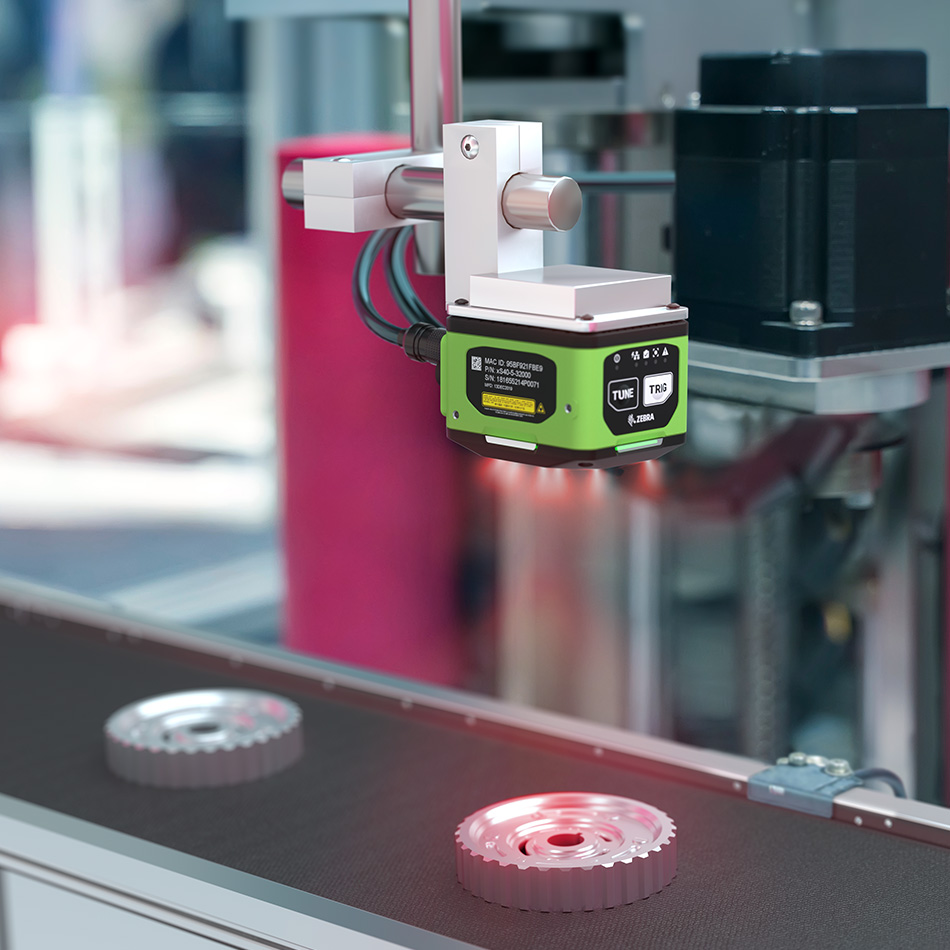

See more. Check quicker. Catch earlier.

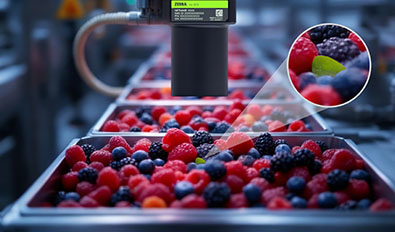
Even the smallest defects can cause product rejections, complaints and waste. Sentinel Sightline automatically inspects products as they move along your line, catching defects that manual checks might miss, so you can reduce waste, prevent faulty products progressing and maintain consistent quality standards.

Using industrial cameras, advanced machine vision software and AI, Sentinel Sightline checks products for everything from surface imperfections and incorrect dimensions to missing components and badly assembled products.

Detects defects automatically

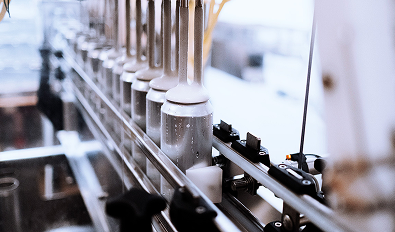
A missing component or faulty seal can mean a rejected product. Sentinel Sightline checks packaging seals, closures and assembled products to make sure everything is present, correctly fitted and as it should be.

Verifies label positioning

Poorly positioned labels can affect product presentation and cover important details. Sentinel Sightline checks that labels are straight, correctly aligned and positioned where they should be.

Supports intelligent automation

Sentinel Sightline uses AI-powered image recognition to recognise products and components, helping robots and automated equipment locate, pick, sort and handle items accurately.

LineReady in action

Food packaging and seal inspection

Trapped ingredients, visible contamination and faulty seals can all lead to wasted products. Sentinel Sightline spots these problems while packs are still on the line, helping prevent defective packaging from reaching customers.

Precision labelling for medical products

Label positioning is hugely important for medical vials. Sentinel Sightline checks alignment and placement, working with LabelSure to ensure printed information is correct too.

Packaging and assembly inspection

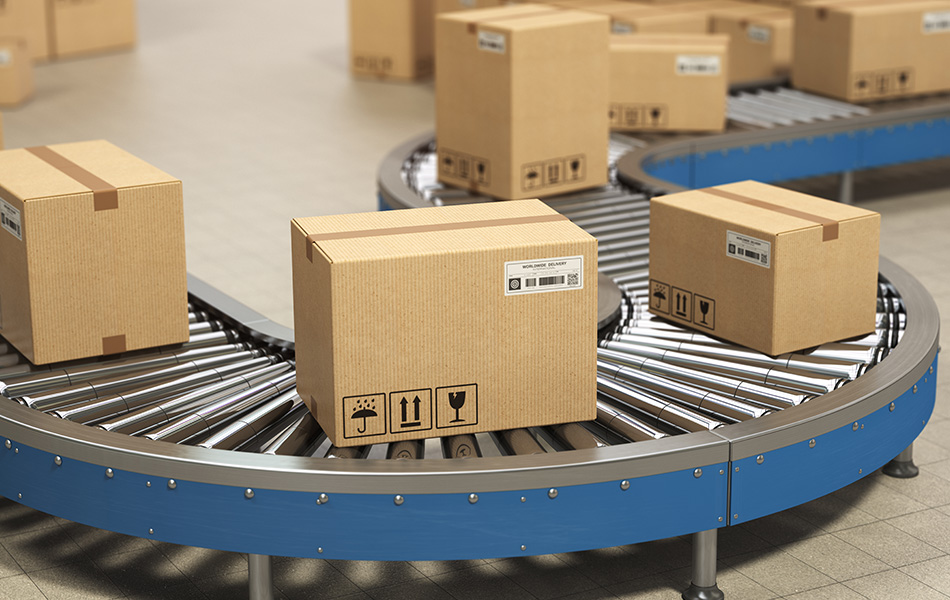
From cracks and imperfections to poorly fitted components, Sentinel Sightline catches packaging faults, including products that fall outside your size and measurement tolerances.

Kit inspection

Even when components are partly hidden from view, AI-assisted vision helps Sentinel Sightline spot missing items in a kit, so incomplete kits can be caught before they leave production.

Automated recycling and product identification

Sentinel Sightline uses barcodes, printed information and AI-assisted image recognition to help equipment sort products for recycling more accurately.

How Sentinel SightLine works

Captures images at production speed

Industrial cameras capture detailed, high-quality images for in-line inspection on busy lines.

Analyses product characteristics

Vision software checks appearance, dimensions, component presence, seal areas and other defined quality requirements.

Identifies defects and inconsistencies

The system compares inspection results against your predefined standards and tolerances, using AI-powered analysis where more complex recognition is needed.

Takes action when something's wrong

If a product fails inspection, Sentinel Sightline can automatically reject it, stop the process or alert an operator.

Keeps track of inspection results

Every inspection can be logged, including defects and rejected products, giving you a clear record for quality reviews, traceability, reconciliation and compliance.

Ask About Sentinel

Talk to our team to discover how Sentinel's in-line barcoding can help you achieve faster, more reliable verification on your production line.

Contact Us

01270 539800 sales@cobaltis.co.uk

Cobalt Systems Ltd,
Spitfire Road,
Cheshire Green Industrial Park,
Wardle,
Cheshire,
CW5 6HT

Stay in touch

Fill out the form to subscribe to our newsletter.

"*" indicates required fields

This field is for validation purposes and should be left unchanged.